Go to Store admin > Apps, click Ryviu Amazon Importer
to open the dashboard and access the app's settings.
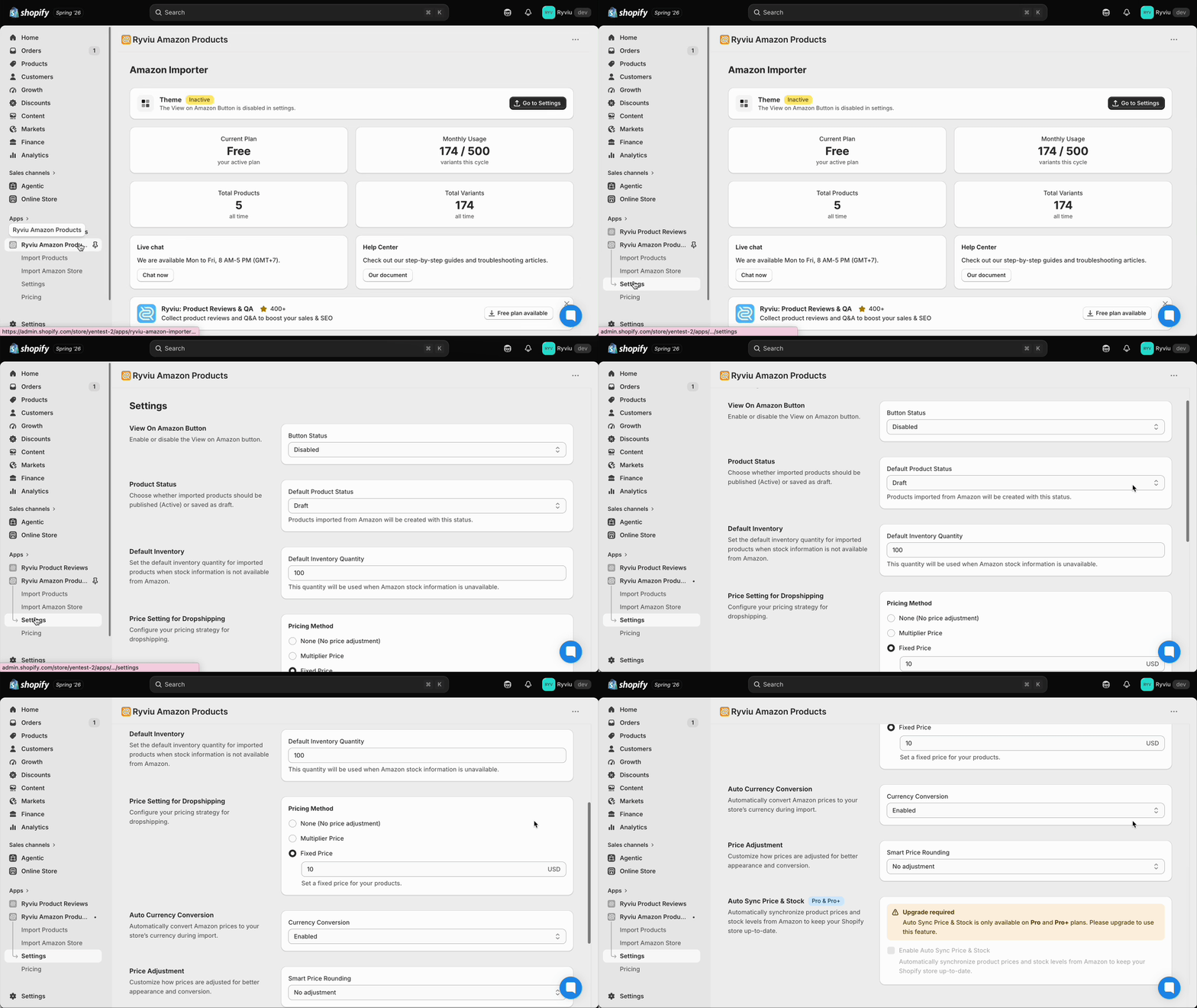
Choose whether imported products should be Published (Active), Unlisted, or Draft.

Set the default inventory quantity for imported products when Amazon doesn't provide stock information.

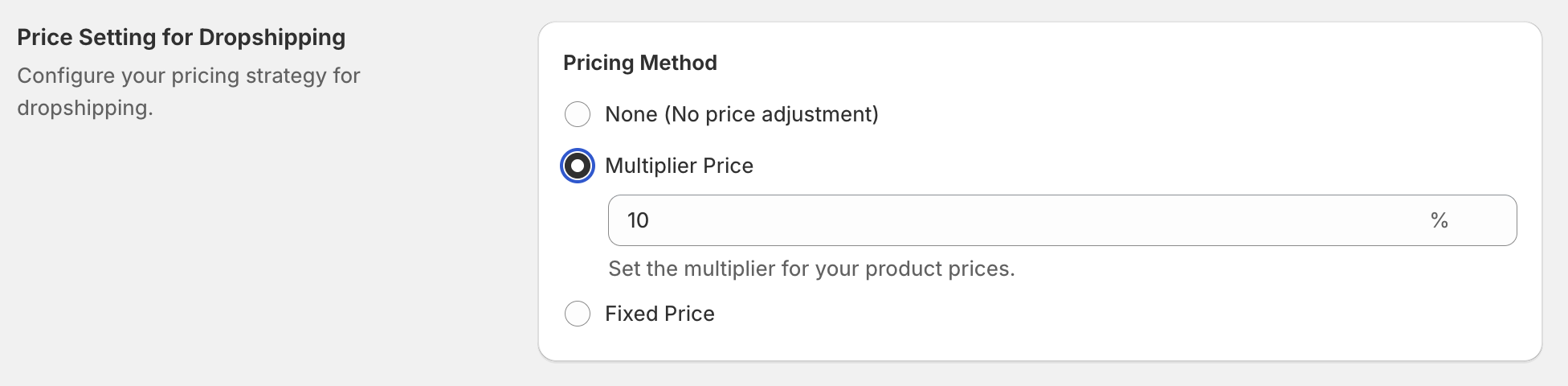
Configure your pricing strategy for dropshipping.
Multiplier Price: a pricing method where you calculate the selling price based on the cost price and a desired profit margin percentage.
Fixed Price: a pricing method where you set the selling price by adding a fixed profit amount to the cost price, instead of using a percentage. Selling Price = Cost Price + Fixed Amount
Automatically convert product prices when currency changes.

Customize how prices are adjusted for better appearance and conversion.
Round to x.99 (e.g. $9.00 → $9.99)
Round to x.x9 (e.g. $9.43 → $9.49)
Round to x.x9 (e.g. $9.43 → $9.49)

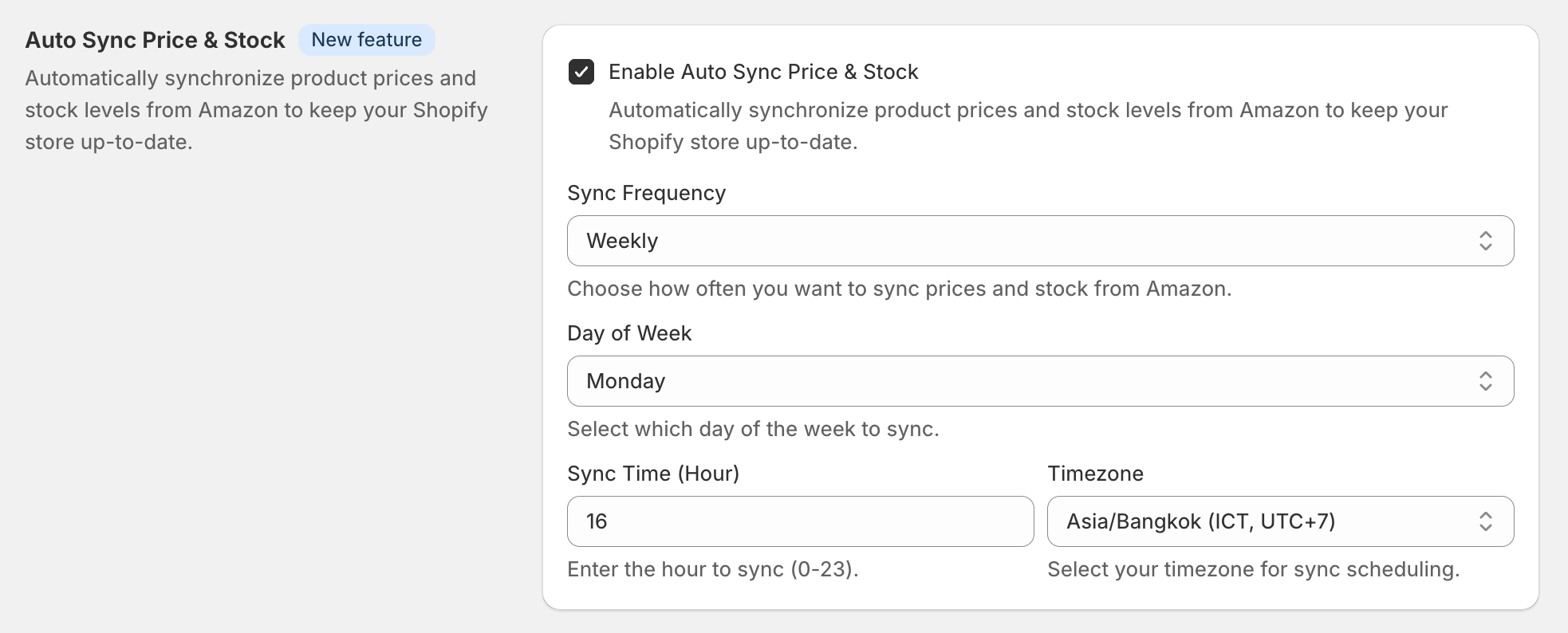
Automatically synchronize product prices and stock levels from Amazon to keep your Shopify store up to date.
Need assistance?
Contact our support team via live chat or email us at [email protected]. We’re always ready to help!
